
HR guide
How employees get their documents at the Kiosk.
An example from the night shift, for teams that do not work at a computer.
In short
- The Kiosk is installed in high-traffic areas: the production hall, the entrance, the locker room.
- The employee identifies with their card, fingerprint or phone.
- Routine requests no longer go through HR’s email or phone.
- All employees have equal access to information, whatever their shift.
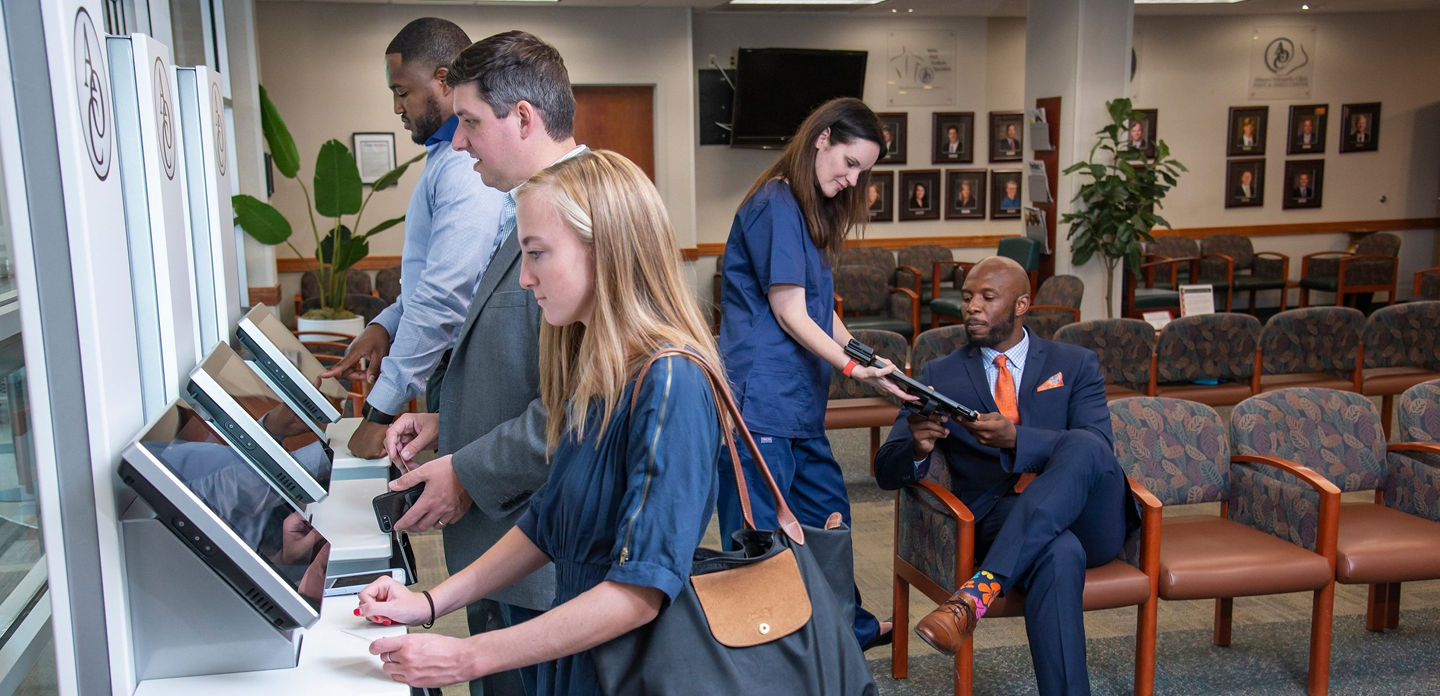
Example: the night shift
- At 23:40, Andrei finishes his break and stops at the Kiosk at the entrance to the hall.
- He identifies with his time tracking card.
- He requests an employment certificate for the bank. The document is generated and printed on the spot.
- He checks last month’s payslip and his leave balance.
- He submits a leave request for next week. His manager approves it in the morning, from the app.
What HR gains
- Fewer emails and calls about routine requests
- Documents generated from templates, with no drafting
- The same information for all employees, on every shift
What installation requires
A power socket and an internet connection. The Kiosk comes with the app preinstalled and is configured together with the Creasoft HR platform.
The Creasoft solution
Creasoft Info Kiosk.
19-inch touchscreen, printer, 3-in-1 reader and the app preinstalled.