
Solutions / Employee Experience
Employee Info Kiosk
An HR point for people without a computer.
Leave, certificates, payslips and documents to sign, right from the production hall or the entrance. 24 hours a day.
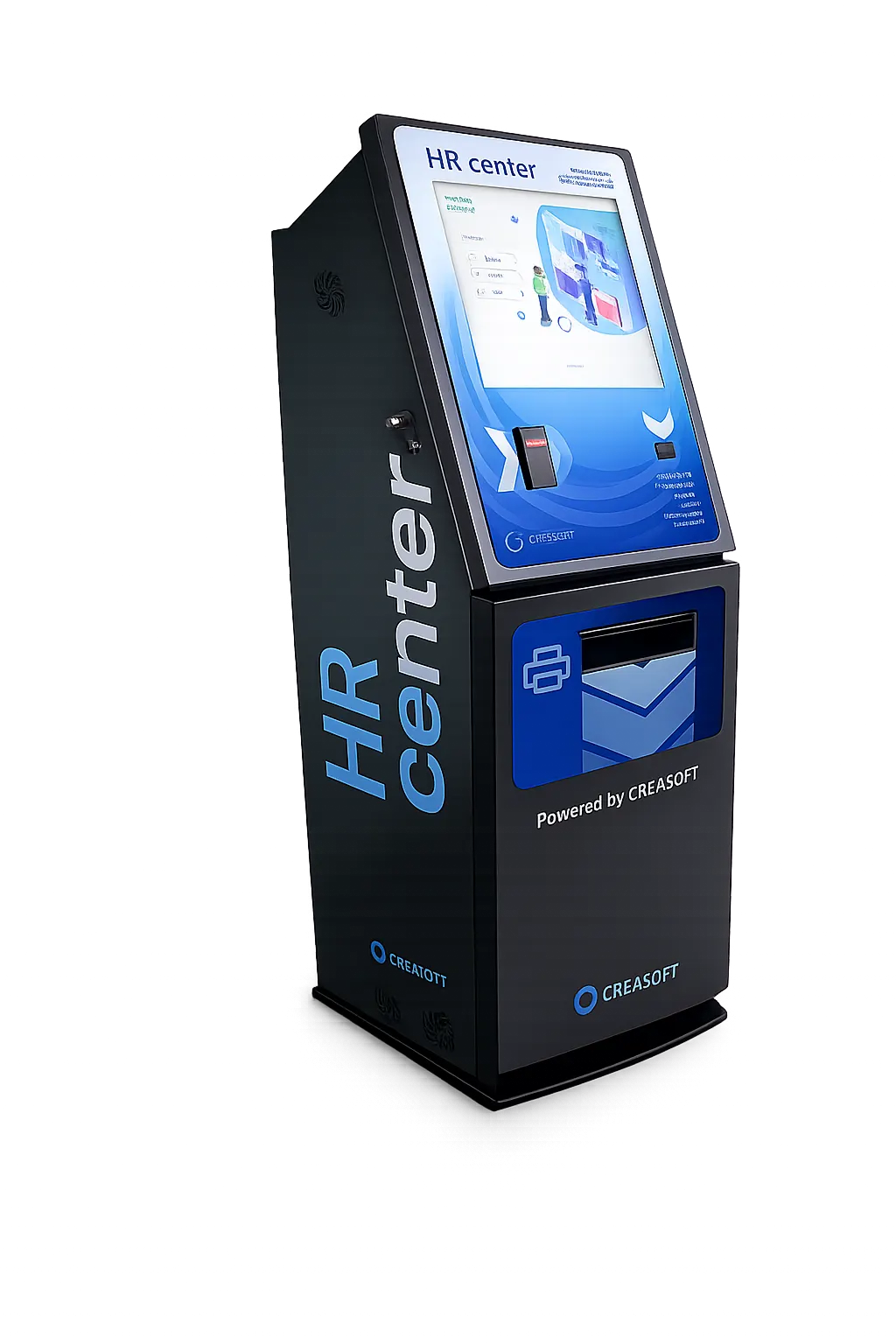
What employees do at the Kiosk.
- LeaveSee remaining days and submit a request.
- ScheduleSee their shifts, print them or receive them by email.
- CertificatesAn employment certificate, generated and printed on the spot.
- PayslipsView and print their payslip.
- SignatureSign documents with a code received by SMS.
- FileSee the documents in their personnel file.
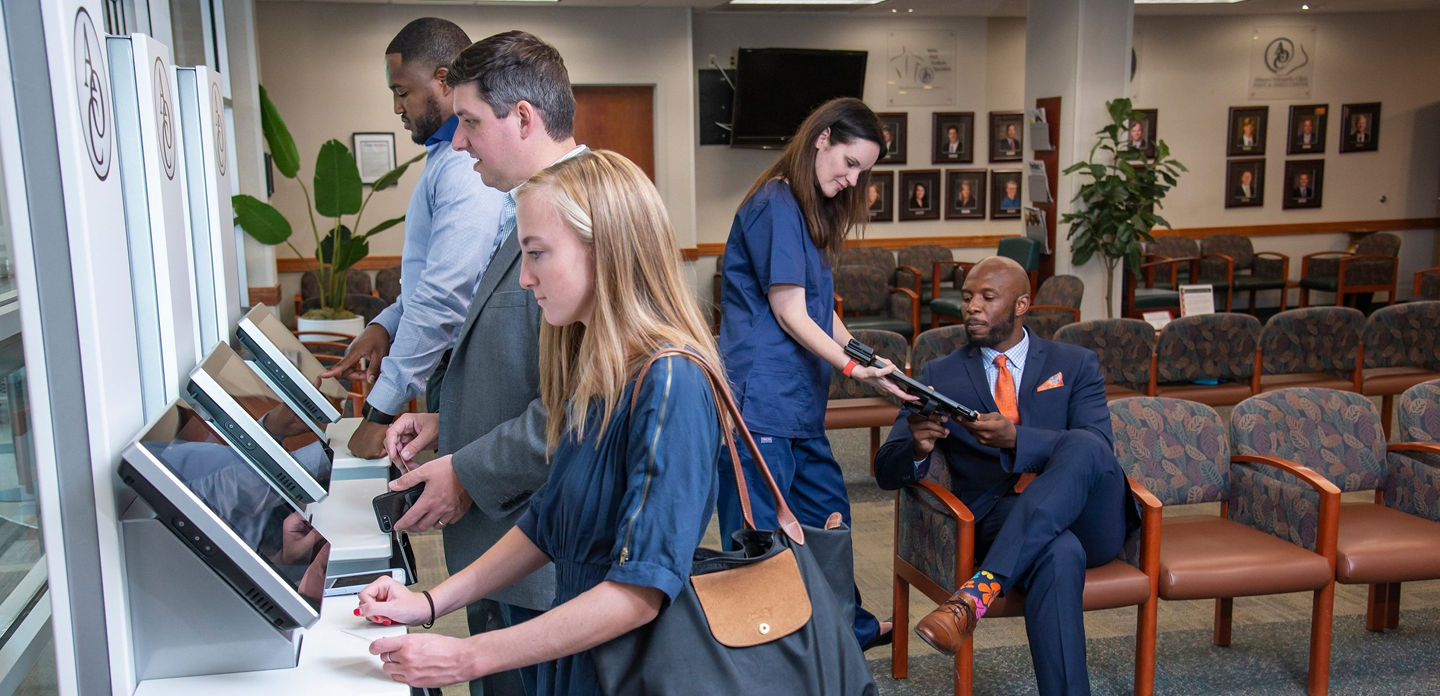
Authentication
Card, fingerprint or phone.
Employees identify themselves the same way as for time tracking: RFID card, fingerprint or the Creasoft Pass app. Optionally, personal numeric code (CNP) and SMS code for sensitive documents.
What it includes.
| Component | Details |
|---|---|
| Housing | Metal, vandal-resistant, black, 53 x 49 x 150 cm |
| Screen | Multi-touch touchscreen, 19 inch |
| Computer | Dell PC with Intel processor and Windows licence |
| Printer | Brother color printer |
| Reader | 3-in-1: RFID, QR code and Bluetooth |
| App | Creasoft Kiosk, preinstalled |
See the Kiosk in use.
Frequently asked questions.
Who is the Kiosk for?
For companies with employees who do not work at a computer: factories, warehouses, retail, shift teams.
What is needed for installation?
A power socket and an internet connection. The Kiosk comes with the app preinstalled.
Do I need the Self Service module?
The Kiosk uses the same features as Self Service. The first 12 months of Self Service are free.
See how it fits your company.
An online demo takes about 30 minutes. We show you time tracking, reports and documents using an example close to your company.
Or call sales: +40 749 500 400