
HR guide
How to change a shift without losing control of the schedule.
Planning, communication and checking attendance, with a concrete example.
In short
- Plan shifts over a fixed period and publish them in advance.
- Every change has a requester, an approver and a date.
- Employees see the change immediately.
- Actual time tracking shows whether the schedule was followed.
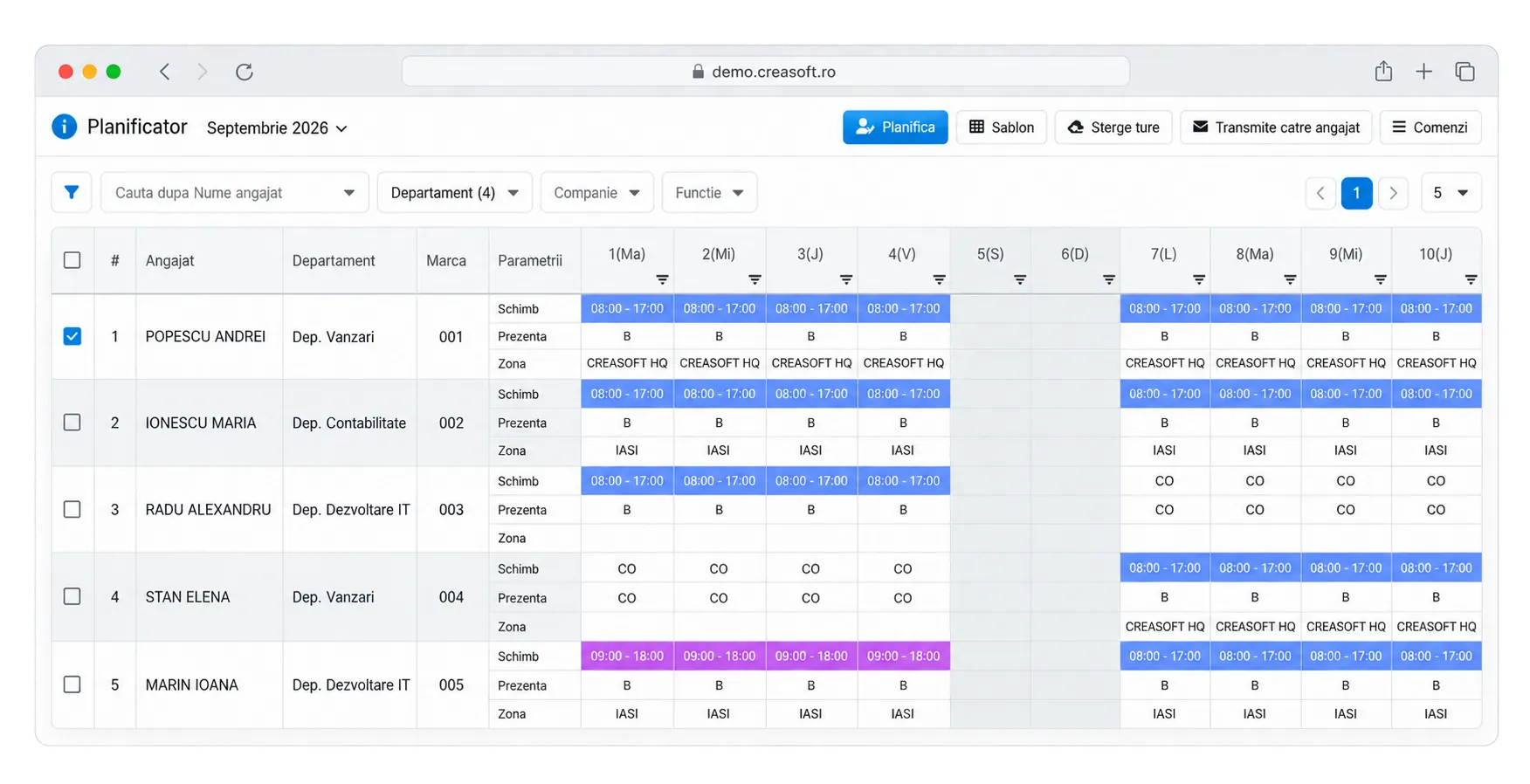
Example: a swapped shift
| Employee | Planned for Thursday | Change | Actual clock-ins |
|---|---|---|---|
| Elena | Shift 1, 06-14 | Swaps with Victor | Shift 2, 14:02-22:01 |
| Victor | Shift 2, 14-22 | Swaps with Elena | Shift 1, 05:58-14:03 |
Rules to set
- How far in advance a change must be requested
- Who approves: the shift supervisor or the manager
- How the minimum rest between shifts is checked
- How the change is communicated: app, email, Kiosk
Checking
The planned versus actual report shows whether each employee worked the approved shift. Differences are discussed based on data.
The Creasoft solution
Creasoft shift planner.
You plan, approve changes and see deviations from actual time tracking.