
HR guide
Plan office and telework teams.
A shared schedule, visible to everyone and linked to actual attendance. With an example of a hybrid week.
In short
- Set simple rules: how many office days, who approves changes, and by when.
- Publish the schedule in one place that employees can access.
- Compare the planned schedule with actual time tracking, not with assumptions.
- The mandatory telework rules of 2020, from the state of alert period, are no longer in force.
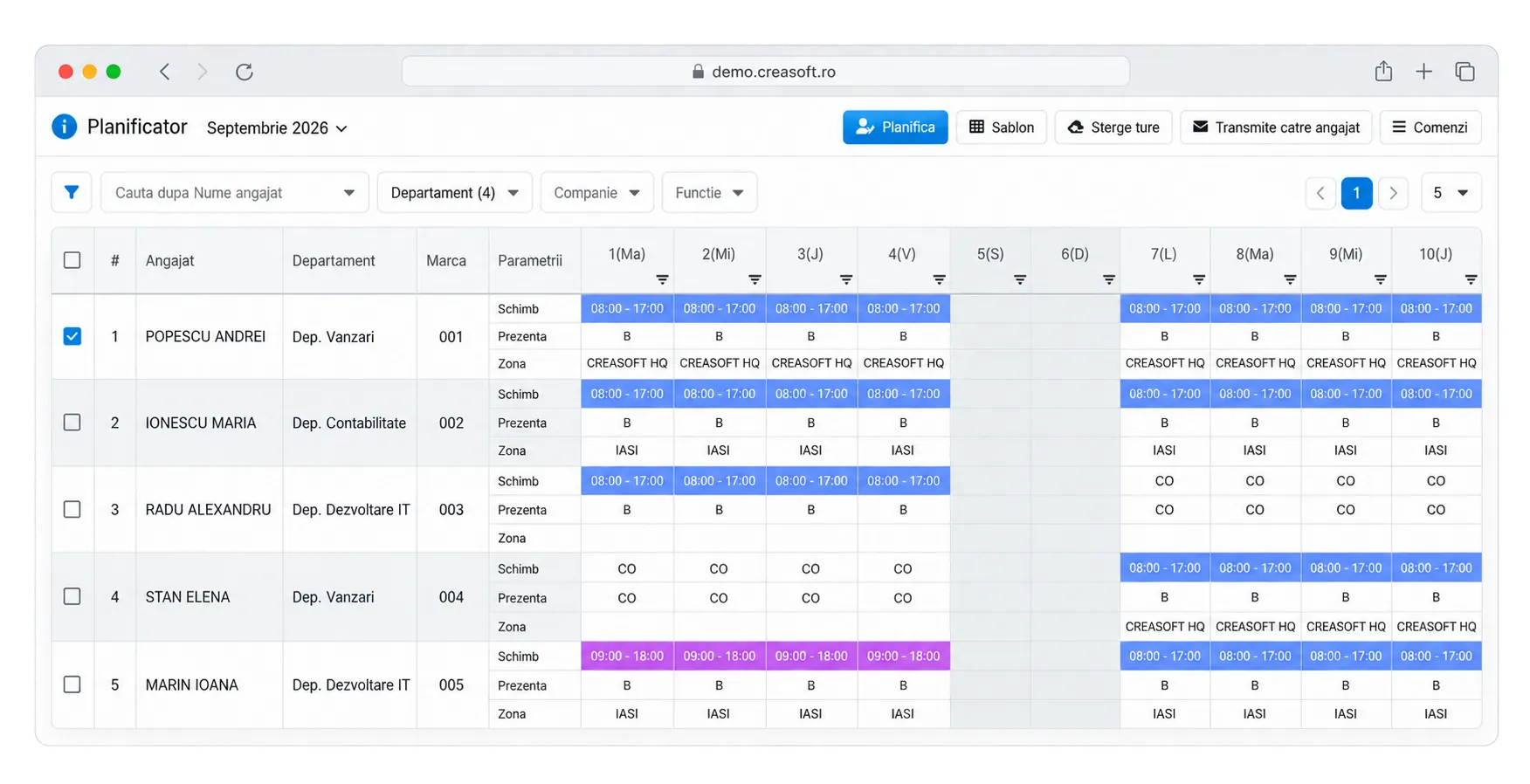
Example of a hybrid week
| Employee | Monday | Tuesday | Wednesday | Thursday | Friday |
|---|---|---|---|---|---|
| Ana, accounting | Office | Office | Home | Office | Home |
| Mihai, sales | Field | Office | Field | Field | Home |
| Ioana, HR | Office | Home | Office | Office | CO |
Internal rules to set
- The minimum number of office days per week
- Fixed office days for team meetings
- Who approves changing a day, and how far in advance
- How each type of day is tracked: terminal at the office, phone in the field, PC at home
Communicating the schedule
The schedule must be visible to employees and managers in the same place: app, email or Info Kiosk. Changes are approved and visible immediately.
Planned schedule versus actual time tracking
The planned versus actual report shows where the schedule was not followed: office days with no attendance, telework days with no time tracking, unapproved overtime. That way you discuss data, not impressions.
The Creasoft solution
Shift and telework planner.
You plan office and telework days and see deviations from actual time tracking.